WINDOWS RESTORATION → BROWSER
The original game.
A new place to play.
Preparing the game…
Play with a keyboard or gamepad. Includes match graphics, music and English commentary.
Animated menu previews and trophy films download when you open them.

Back on the pitch
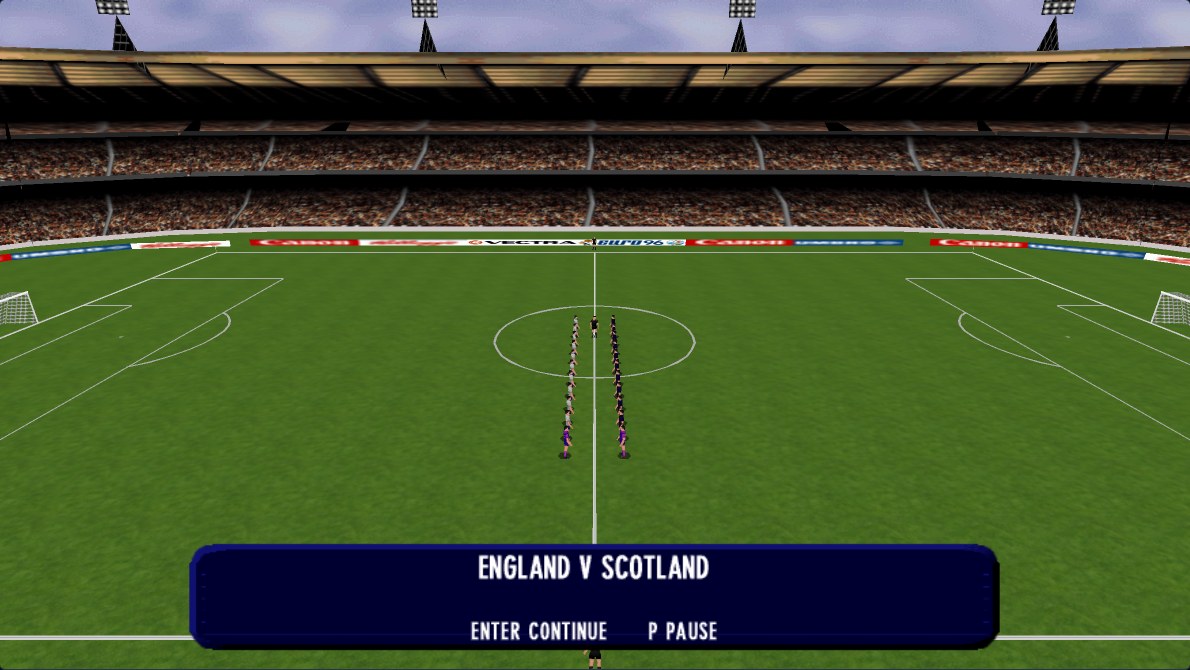
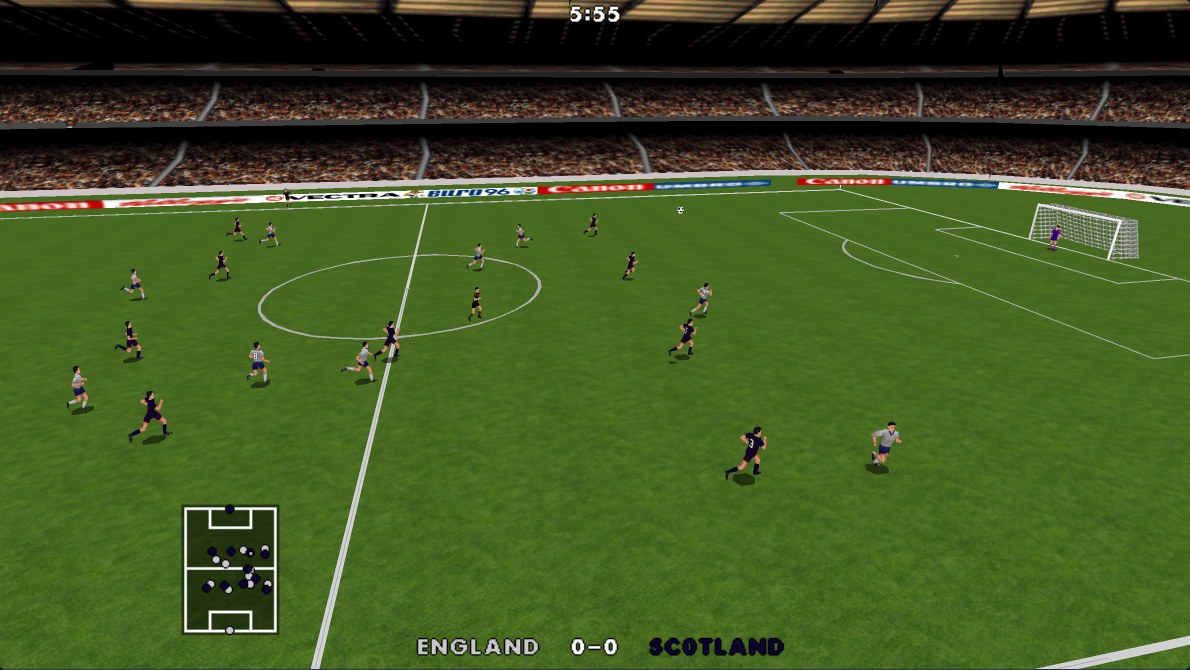
Captured from this restoration · Widescreen, enhanced textures
Gamepad Xbox-style buttons
Left stick / D-pad: move · A: pass / control ball · X: shoot / tackle · Y: lofted pass · LB / RB: switch player · Start: pause / resume
Connect your controller, click the game, then press a controller button. In exhibition setup, A starts Play and Y selects Watch.
Keyboard
Arrows / WASD: move · Space: pass / control ball · X: shoot / tackle · C: lofted pass · E: switch player · P: pause / resume
Enter confirms menus and starts Play. B selects Watch in exhibition setup. Open the pause menu for the full ball controls.
Your saves, anywhere
Back up your championship, preferences and saved replays, then import them in another browser or computer.
Import a backup before starting the game. Clearing browser site data removes local saves.